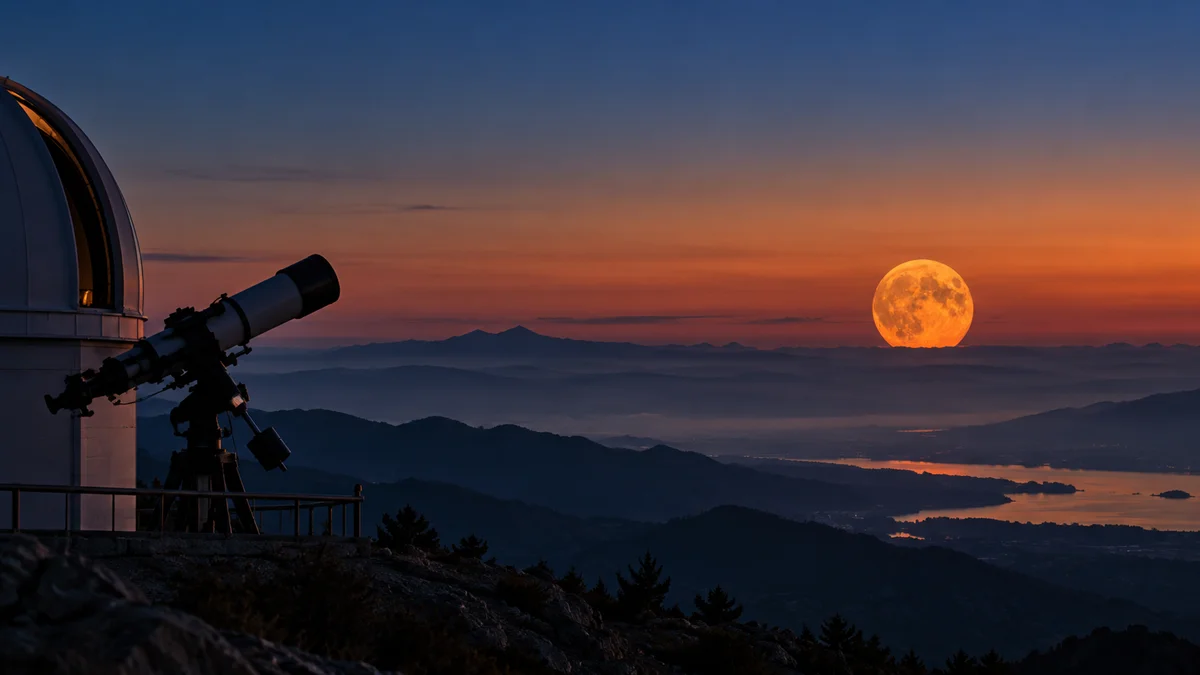
Near the horizon, the Moon can look orange because its light crosses more of Earth's atmosphere, which scatters away more blue light. NASA explains this in its guide to the Moon's appearance near the horizon.
If the Moon outside looks warmer than the one you are exploring in Solar System Live, start by checking the viewpoint. A useful comparison needs more than the same celestial object on both sides of the screen.
Here is our practical route from the photograph to the simulator and then to your own observation: identify the image, separate colour from geometry, and record what you can actually check.
Does the new NASA picture show tonight's Moon?
The APOD published on 1 November 2026 presents Marcella Giulia Pace's collection of full-Moon colours photographed across Italy over ten years. It is a collection of observations, rather than a colour forecast for your location.
That matters on a website built around a real-time simulator. “Published yesterday” and “observed yesterday” are different claims. Before comparing an image with the current simulated scene, find its observation date and location.
For this collection, begin with the caption as a whole. Do not assign today's date to every lunar disk simply because the page has a recent publication date.
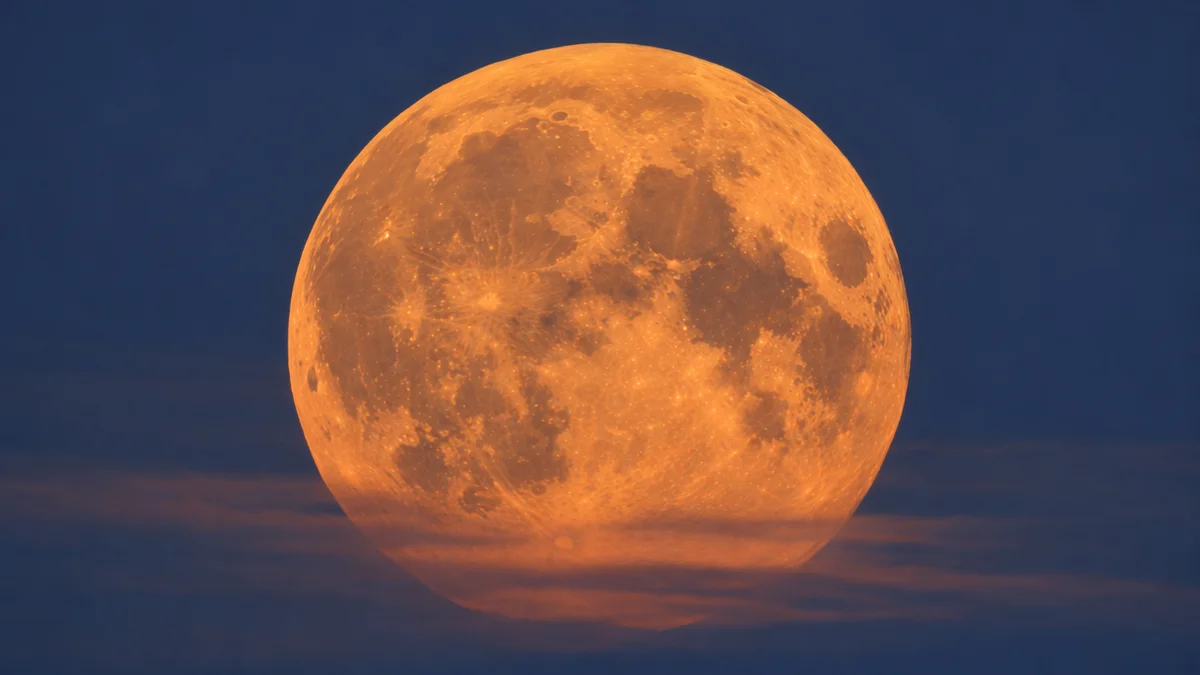
Does an orange Moon mean there is an eclipse?
Colour alone cannot establish that.
During a total lunar eclipse, the Moon enters Earth's umbra. Sunlight filtered through Earth's atmosphere still reaches the lunar surface, giving it a reddish or orange appearance. NASA's lunar eclipse explanation describes that arrangement.
Compare the paths of the light: for an ordinary low Moon, consider the atmosphere between the Moon and you; for an eclipsed Moon, also consider sunlight passing through Earth's atmosphere before reaching the Moon.
Our guide to [the Moon's shadow during a solar eclipse](/articulos/eclipse-solar-total-sombra-luna/) provides a related geometry exercise. Keep the eclipse type beside your sketch so you do not exchange the roles of Earth and Moon.
What should I compare with Solar System Live?
Use the simulator to frame a question about the celestial scene. Use an observation record to investigate the appearance from a particular place.
The following is our comparison worksheet, not a set of measurements or a claim that the simulator reproduces local atmospheric conditions.
| What you have | What to write down | What still needs checking | |---|---|---| | The Moon in Solar System Live | That you are examining a simulated scene | Which observer and conditions your comparison assumes | | Your view outdoors | Location, time, colour and whether the Moon is low | Whether the explanation fits that observation | | A shared lunar photograph | Photographer, observing date and caption | Whether its context matches yours | | A claim of an eclipse | The event and observing location being claimed | Evidence for the required geometry |
Suppose your note says “orange above the rooftops” while your screenshot shows a grey lunar disk. Keep both records. Ask what information would make them comparable before deciding that either view is wrong.
Can a photograph's colour explain everything?
The APOD itself leaves the cause of its purple Moon uncertain. Its caption therefore offers a useful limit: an interesting colour does not guarantee a complete explanation.
For another exercise in identifying what an image establishes, read our [guide to real observations and computer-generated views](/articulos/foto-agujero-negro-real-o-simulacion/). Apply its central question here: what information went into the picture?
What should I do next?
Open the Moon in Solar System Live, then make a separate note when you next see it outdoors. Record the time, place, apparent colour and position relative to the horizon.
Return to the worksheet and mark anything you cannot establish as unknown. You will have a comparison you can investigate, rather than a verdict based only on whether two lunar disks share the same shade.